How to Verify Amiri Belt Savings on Kakobuy Before Checkout
By Marcus Feld Editor-in-Chief
| Published | |
|---|---|
| Updated |
Clarify the Discount Verification Task and Evidence Boundaries This guide solves a specific problem: before submitting an order, how to determine whether the discount shown on the page truly reduces the final amount due. The verification targets include item amount, domestic shipping within mainland China, service fees, international shipping, customs declaration fees, packaging-related fees, payment fees, and exchange rate conversion. 🧾 After reading, you should be able to accomplish three
Editor score 4.2 / 5
Clarify the Discount Verification Task and Evidence Boundaries
This guide solves a specific problem: before submitting an order, how to determine whether the discount shown on the page truly reduces the final amount due. The verification targets include item amount, domestic shipping within mainland China, service fees, international shipping, customs declaration fees, packaging-related fees, payment fees, and exchange rate conversion. 🧾
After reading, you should be able to accomplish three things: record the pre-discount amount, confirm which fee items the discount applies to, and recalculate the actual reduction using the final amount due on the checkout page.
This article does not apply to orders without an official discount description, where the checkout page does not show discount details, fees have not yet been generated, or the destination, shipping method, and package contents may still change. Any discount not clearly displayed on the official page or checkout page should not be counted in the budget in advance.

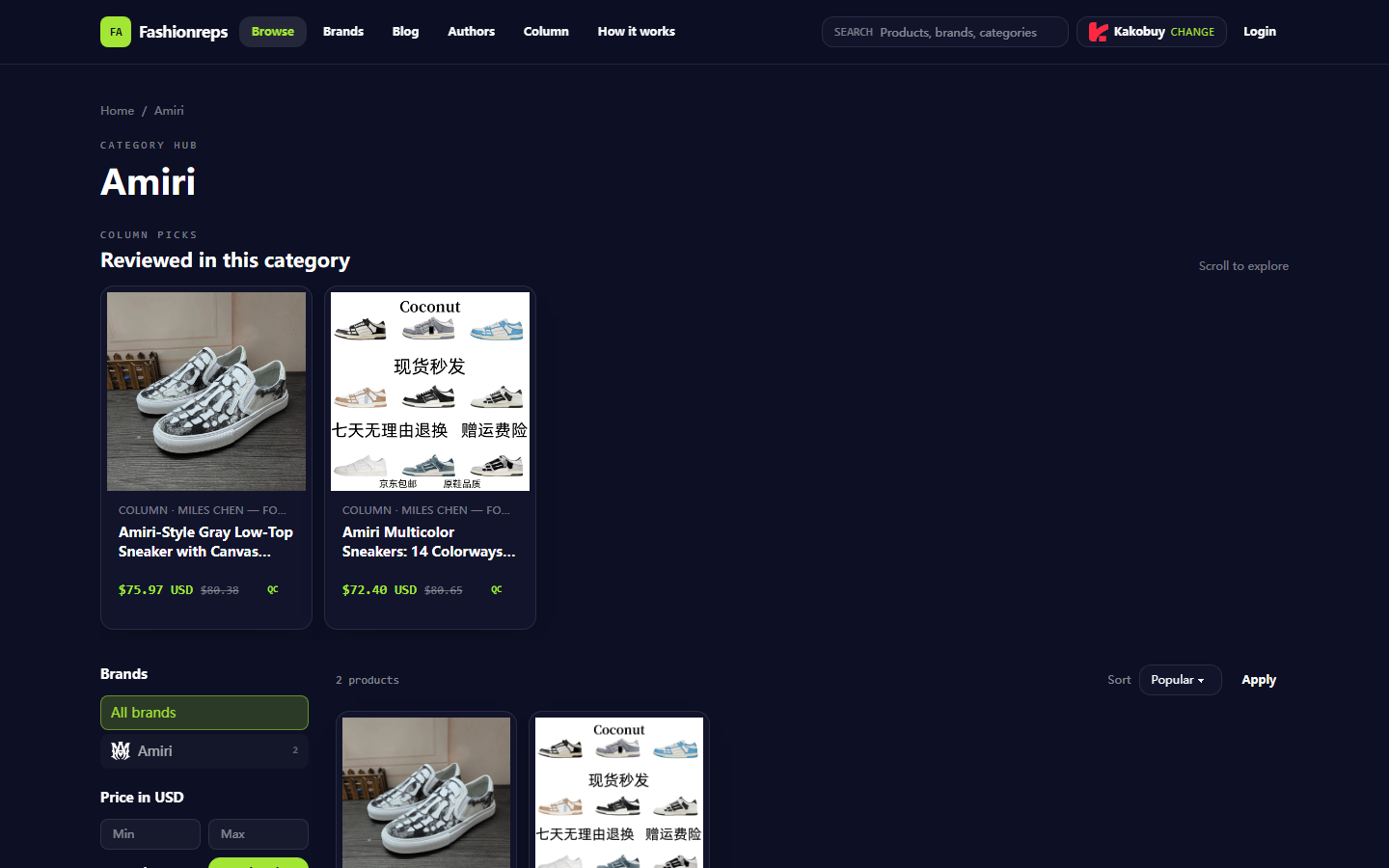
Image: A screenshot of the product catalog page, used only to illustrate the page context of entering the shopping agent process from the catalog, and not as evidence of discount amount or final fees.
Confirm the Product, Specifications, and Current Page from the Catalog
First, save the visible information on the current product page, including product name, specifications, color, size, listed price, and displayed domestic shipping within mainland China. The catalog page can only help confirm the product entry and basic information; it cannot replace the fee verification on the Kakobuy checkout page.
If the page redirects, product information is empty, specification options cannot be selected, or the page only shows categories without clear product information, pause the calculation. Do not use old pages, search summaries, or amounts from other products to fill in missing data.
Before placing an order, also confirm that the selected specifications match your actual needs. Whether a discount applies may be affected by product category, order amount, shipping method, registration status, validity period, or other conditions; do not infer conditions that are not stated on the page.
Record Item Amount, Service Fees, Payment Fees, and Exchange Rate
Kakobuy materials break down the total agent fee into item cost, international shipping, and customs declaration fees. The item cost includes the product price and domestic shipping from the seller to the Kakobuy warehouse; international shipping is calculated based on package weight, shipping method, and destination; customs declaration fees are usually 8 RMB, but the specific amount depends on the shipping method.
When recording, do not only look at the listed price. It is recommended to save the numbers before and after checkout in the following order:
- Product price.
- Domestic shipping within mainland China.
- Any clearly displayed service fees.
- Package handling or packaging-related fees.
- International shipping.
- Customs declaration fees.
- Payment fees shown on the payment page.
- Exchange rate and currency used on the checkout page.
- Discount name, discount amount, and the items it offsets.
The reference exchange rate in the materials is 6.22, but this is not a guarantee of the actual exchange rate for every payment. If the checkout page, payment channel, or account balance page shows a different exchange rate, the actual payment page should prevail, and record the verification date. 💱
Check Discount Eligibility, Thresholds, and Validity Period
According to the materials, new users may receive a total of 3000 RMB in shipping coupons, and may also receive a 100 RMB no-threshold shipping coupon with the redemption code kakobuy888. The key here is "shipping discount" rather than "direct reduction of the order total". Whether the discount can be used, which routes it applies to, whether it needs to be redeemed, whether it has a validity period, and whether it can be stacked with other discounts must be confirmed item by item on the official Kakobuy page and checkout page.
Do not treat the coupon face value as the savings amount. For example, a 100 RMB coupon face value does not mean the order will definitely cost 100 RMB less; if the actual deductible shipping is less than 100 RMB, or the discount only applies to a specific shipping method, the actual reduction will be limited.
Before using a discount, at least confirm the following:
- Whether your account meets new user or other identity conditions.
- Whether the discount has been successfully claimed or redeemed.
- Whether the discount offsets international shipping, other shipping, or other items in the order.
- Whether there is a minimum amount, designated route, designated region, or validity period.
- Whether it can be used in combination with other discounts.
- Whether the checkout page clearly shows the discount name, deduction amount, and balance after deduction.
If the official page only shows promotional language without displaying the applicable scope or validity period, mark the discount as pending confirmation instead of including it in a confirmed budget. 🔍
Check Whether the Discount Can Be Combined with Packaging Fees and Shipping
Discounts usually do not automatically cover all fees. You need to record deductible and non-deductible fees separately, especially international shipping, packaging-related fees, customs declaration fees, and payment fees. Only items that are clearly reduced on the checkout page can be counted as savings.
Consolidating packages may reduce repeated first weight or some operational costs, but it may also increase volumetric weight, package value, or single-loss risk. Splitting packages may increase fixed fees or may be suitable for route restrictions. The materials do not provide the specific weight, packaging fees, route quotes, or comparison amounts for this package, so it cannot be claimed that consolidation is definitely cheaper.
If the discount only offsets international shipping, packaging fees and customs declaration fees may still be charged as usual. If the discount is tied to a shipping method, switching to another route may cause the discount to disappear. Each time you change the package combination or route, re-check the checkout page instead of using previously displayed amounts.
Confirm the Actual Amount After Discount Item by Item on the Checkout Page
After entering the checkout page before submitting the order, first take a screenshot or record the fee breakdown before the discount, then apply the discount and record the breakdown after the discount. Official screenshots should fully show the fields relevant to the judgment, while covering personal information such as order number, name, address, phone number, and payment details.
The actual savings amount is calculated as:
Total amount due before discount − Total amount due after discount = Actual amount reduced at this checkout
If the exchange rate changes between the before and after pages, keep both the RMB amount and the payment currency amount to avoid mistaking exchange rate fluctuations for discount savings. If the page only shows a total amount without fee breakdown, do not attribute all total changes to the discount.
| Verification Item | Evidence to Confirm | What Not to Directly Infer |
|---|---|---|
| Item and domestic shipping | Product page and order details | Discount applies to product price |
| International shipping | Destination, weight, route, and checkout details | Discount covers all shipping |
| Packaging and handling fees | Checkout page itemized fees | Consolidation always reduces cost |
| Customs declaration fees | Checkout amount corresponding to shipping method | Fixed for all routes |
| Exchange rate and payment fees | Actual payment page | Reference exchange rate equals final rate |
| Discount | Official description, account status, checkout deduction record | Promotional face value equals actual savings |
If the total amount does not change after applying the discount, it may be that the discount was not successfully applied, conditions were not met, the deduction item has not yet been generated, or the page needs recalculation. In this case, stop submitting the order and re-verify; do not redeem repeatedly or submit payment repeatedly.
Stop Rules When Data Is Missing or Conditions Change
Pause placing the order in the following situations:
- The coupon shows as claimed, but there is no actual deduction on the checkout page.
- The page does not explain which fee items the discount applies to.
- Shipping method, destination, or package weight has not been determined.
- Checkout page amounts do not correspond to discount details.
- Exchange rate, payment fees, or customs declaration fees change without explanation on the page.
- Product specifications, quantity, or domestic shipping changes.
- The discount requires splitting orders, under-declaring, or evading inspection.
Compliant declaration, destination country taxes, and import restrictions still apply. Do not falsify value, split orders to avoid taxes, or choose declaration methods that do not match the actual contents just to meet discount conditions. No discount is worth the risk of customs clearance, returns, or account issues. ⚠️
Money-Saving Verification Checklist Before Submitting the Order
Confirm item by item before submitting:
- Current product, specifications, quantity, and page amounts are correct.
- Domestic shipping within mainland China has been included in the item cost.
- International shipping corresponds to the current destination, weight, and shipping method.
- Packaging fees, handling fees, customs declaration fees, and payment fees have not been omitted.
- The discount has met the usage conditions on the official page or in the account.
- The checkout page clearly shows the discount name and actual deduction amount.
- RMB amounts before and after the discount can be matched item by item.
- Payment currency and actual exchange rate have been recorded.
- Promotional face value has not been treated as confirmed savings.
- No non-compliant declaration or order splitting has been used.
If the discount has indeed reduced the checkout total, the savings amount should be based on the difference in total amount before and after on the checkout page; increased risks include discount invalidation, route changes, packaging or volumetric weight changes, and single-loss risk after consolidation. This verification method is suitable for buyers who want to review every fee before payment; if the order conditions are still changing, or the discount terms cannot be confirmed from the official page, it is not recommended to submit the order immediately. ✅
Agent Platform Shopping FAQ
1. How can I tell if a product is good quality on kakobuy?
To understand product quality, review kakobuy's QC photos rather than relying solely on factory-provided images, which are often edited. QC photos help confirm whether the item meets your specific detail requirements before you decide to purchase. Also note that extremely low-priced items are usually of poor quality and should be avoided.
2. What product categories are available on the kakobuy website?
kakobuy offers a wide range of products, including shoes, T-shirts, sweaters, hoodies, jeans, athletic pants, shorts, board shorts, factory clearance items, down jackets, baseball shirts, shirts, hats, jewelry, bags, electronics, sunglasses, socks, underwear, and trendy collectibles.
3. Is the spreadsheet website safe on kakobuy?
That site does not collect any personal information; it is simply a product catalog for the kakobuy agent platform. All transactions are completed on the kakobuy agent platform.
4. How do I view QC photos on kakobuy?
When viewing QC photos, focus on the specific features of your purchased item. For example, for shoes, check several key areas—such as the toe, heel, and tongue—to inspect stitching, shoe shape, and tongue thickness, to confirm they are quality shoes. For clothing, check details like collar tags, logo embroidery, fabric, and the flatness of collars and cuffs.
5. What are QC photos on kakobuy?
All agent platforms have a dedicated quality control team. Once your item arrives at the kakobuy warehouse, the platform performs quality checks and takes QC photos of your item. Typically three photos are taken, and the team verifies that the color, size, specifications, and quantity match your order, and checks for any quality issues. However, electronics are excluded and only checked for appearance. If quality issues or wrong size/color are found, the team will immediately request a return from the seller. This ensures you receive quality products.